How to Integrate Genesis with Kodi Library
How to Integrate your Genesis with your Movie Library.
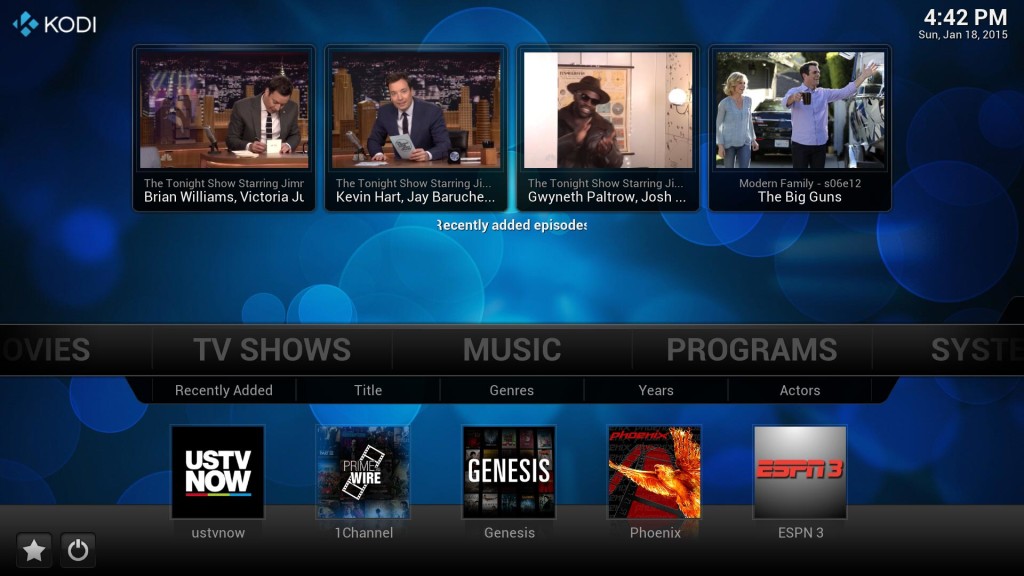
Select VIDEOS > Add-Ons
Select Genesis
Select Tools
Select GENESIS : Library
Highlight – DO NOT SELECT – “GENESIS : TV folder” for Movies you would select Genesis : Movie folder
Open the Context Menu & select Set content
Select This directory contains
Scroll until it says “This directory contains TV Shows” if doing the movie section keep selecting until it says “This directory contains Movies”
Select OK
Select YES
Kodi will now start scanning IMDB for matching TV Shows.
For Movies you must wait for the scan to complete otherwise the Set Content section will not show.
