
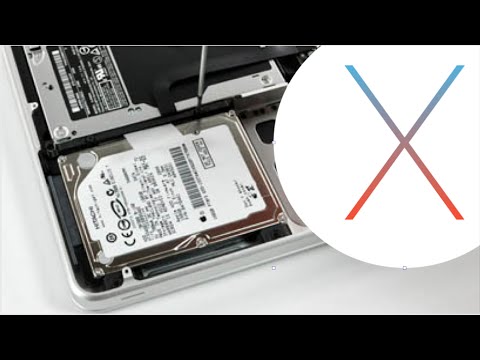
How to Upgrade MacBook Pro With SSD, Install OS X El Capitan. How to Clone Replace a Macbook Pro Hard Disk and install the latest OS X from Apple. (Crucial BX100). http://learn-share.net
The First Step is to clone your Mac Disk, Create a backup to prevent data loss, then follow all steps in this tutorial to upgrade your MacBook Pro.
▶︎ Watch More: https://www.youtube.com/watch?v=Z2XyBAZmABc
▶︎ Shop and Save $$ in SSD drives and Mac’s: http://amzn.to/1HZ5zTh
▶︎ Share this video on:
Twitter: http://twitter.com/_learnshare
Google+: http://google.com/+lsLearnShare
Facebook: http://www.facebook.com/pages/learn-sharenet/1522020731365696
Thanks for watching and remember to rate, like and Subscribe http://learn-share.net newsletter if you haven’t already.