
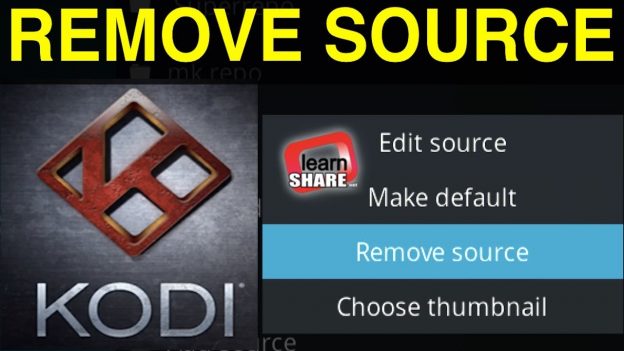
How to Remove Add-on Sources in KODI Krypton. Go to system, file manager. From keyboard Press C, and click on remove source, Or, right click and then remove the Add-on source from kodi. Kodi Box Deals ➥ https://learn-share.net/go/kodi-media-player/
Thanks for watching and remember to rate and Subscribe https://q.gs/8436075/subscribe-learn-share Newsletter if you haven’t already.
? Watch more: https://learn-share.net/remove-addon-sources-kodi-krypton/
?Great deals: http://lear-share.net/shop-store/
Follow learn Share on:
➥ Twitter: http://twitter.com/_learnshare
➥ Google+: http://google.com/+lsLearnShare
➥ Facebook: http://www.facebook.com/learnshare.net
?♂️ Join me, Support this channel for more and better things! https://www.patreon.com/learnshare
Contribute translating learn share videos: http://www.youtube.com/timedtext_cs_panel?tab=2&c=UCA2aRJQUHkkTlvugxOYggpA