
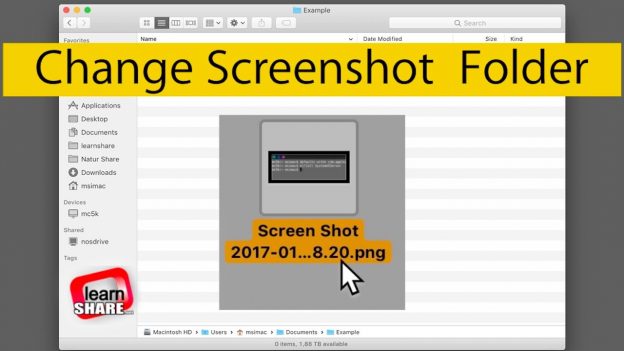
Apple MacOS. How to change where screenshots are saved on Mac. The default Screenshot Save Folder Location in MacOS as you may know is the desktop. What if there was a way you could put your screenshots somewhere else on your Mac instead on the desktop? https://learn-share.net
To do this, First you create a folder anywhere on your Mac for this purpose, and you can then use it to store all screenshots that you capture on your Mac.
Follow/Share this video:
➤ Twitter: http://twitter.com/_learnshare
➤ Google+: http://google.com/+lsLearnShare
➤ Facebook: https://www.facebook.com/learnshare.net/
Watch next:
➤ How to Screen Capture on Mac https://www.youtube.com/watch?v=ypzQXGPW2y8&index=66&list=PLQJGHOK40fH9O2XHW7oOtUKfUUAT6ohva
Save $$ in Computers/Gadgets ➤ http://amzn.to/1HiYcWd
Do you enjoy racing simulator video games like Project Cars? Subscribe here: http://learn-share.net/MarcsGtiChannel.php
Thanks for watching and remember to rate, like and Subscribe http://learn-share.net newsletter if you haven’t already.
Music from: www.audionautix.com