
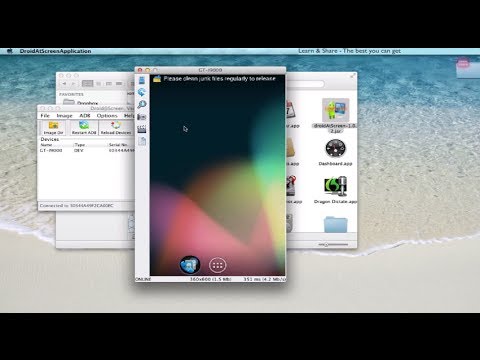
http://learn-share.net/display-android-screen/ How to install droid@screen on a Mac computer.
http://www.youtube.com/watch?v=TdigKp_7VoU Show your mobile device screen in your computer display.
With droid@screen you can easily show the screen of an Android device on a computer/laptop (PC, Mac, Linux, …) and then project the desktop using a LCD-projector. Droid@Screen is used for training/teaching and demonstration purposes.
Android drivers go to: http://adf.ly/8436075/androiddrivers
Droid@Scren: http://adf.ly/8436075/droidatscreen
This another awesome software, MirrorOp, give it a try https://www.youtube.com/watch?v=pt3A1_5JNyY&list=PLQJGHOK40fH8qroWgylpfcW1e698-_EqQ&index=1
▶︎ Save $$ Now in Computers/Gadgets: http://amzn.to/1HiYcWd
Twitter: http://twitter.com/_learnshare
Google+: http://google.com/+lsLearnShare
Facebook: http://www.facebook.com/learnshare.net
Thanks for watching all http://learn-share.net videos and tutorials! Remember to rate, like and subscribe if you haven’t already!