
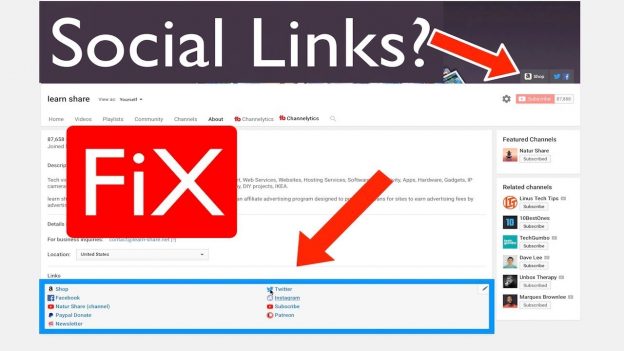
Fix Can’t Edit Add Social Media links Missing (Customize Channel Layout). Solved: If you are unable to customise your channel social media links. This is how you can fix it. ➥ https://learn-share.net Subscribe https://goo.gl/Amj8rx
Select your account icon, and next on My Channel.
Select Customize Channel.
Hover over the “Links” section. Then click edit links.
now if you can’t edit your social media links. Go to the address bar in your web browser, and edit it to this URL with your username.
https://www.youtube.com/user/“username”/about?disable_polymer=true
? Watch next: Google Maps Trick? https://www.youtube.com/watch?v=CU4dBJk97AI&index=3&list=PLQJGHOK40fH9CgJ5qK4HU5ZHVMWp-g7gn&t=0s
? Watch next: Youtube video Player Keyboard Shortcuts. https://www.youtube.com/watch?v=8tpOwOUbk-8
Follow:
➥ Twitter: http://twitter.com/_learnshare
➥ Facebook: http://www.facebook.com/learnshare.net
Receive Great deals https://learn-share.net/subscribe-newsletter/
? Shop Tech: http://learn-share.net/shop-store/
Support this channel for more and better things! https://www.patreon.com/learnshare
Contribute translating learn share videos: http://www.youtube.com/timedtext_cs_panel?tab=2&c=UCA2aRJQUHkkTlvugxOYggpA
? Music from: