
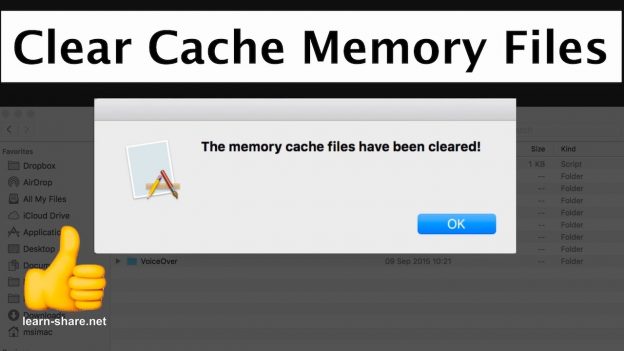
https://learn-share.net/clear-cache-memory-files-macos/ In this video you learn How to Clear Cache Memory Files on Mac in 1-Click. In this video you learn How to Clear Cache Memory Files MacOS. Automate this process by using Automator and ApletScript to create an Application and with 1-Click clear your Mac Cache memory files.
From activity monitor, you can check the amount of memory cached files. From terminal, with ‘vm_stat’ command that displays virtual memory statistics. to clear the cache memory type ‘purge’ with super user privileges ‘sudo purge’. Hit enter, and verify the amount of memory cached files decreasing, such in the activity monitor as in terminal with the vm_stat command.
1-click clear memory cache.
How to clear the memory cache from terminal.
Use Automator to create an application. script: http://q.gs/8436075/cachescritp
icns: http://q.gs/8436075/icnscache
Use Script Editor to run applescript from menu bar.
Watch next Automator App.
➤ Batch resize Photos https://www.youtube.com/watch?v=bRM1VlH6QAs&index=21&list=PLQJGHOK40fH9O2XHW7oOtUKfUUAT6ohva
➤ Extract text from PDF https://www.youtube.com/watch?v=E7tmi3uMTRA&index=23&list=PLQJGHOK40fH9O2XHW7oOtUKfUUAT6ohva
Thanks for watching and remember to rate, like and Subscribe http://learn-share.net newsletter if you haven’t already.
Website ➤ http://learn-share.net
Save $$ in Computers/Gadgets ➤ http://amzn.to/1HiYcWd
Share this video:
➤ Twitter: http://twitter.com/_learnshare
➤ Google+: http://google.com/+lsLearnShare
➤ Facebook: https://www.facebook.com/learnshare.net/
➤ Music: Audionautix.com
Do you enjoy racing simulator video games like Project Cars? Subscribe here: http://learn-share.net/MarcsGtiChannel.php