
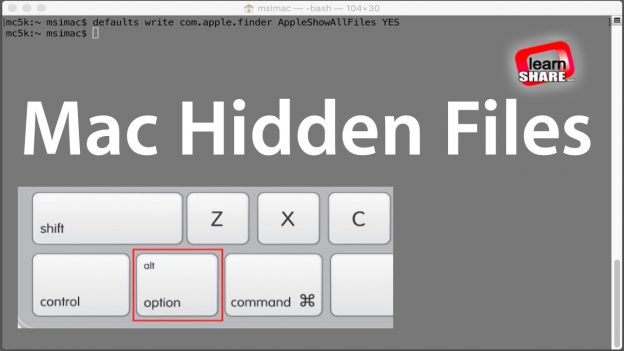
Apple MacOS. How to Show or Hide Hidden Files on mac OS.Open Terminal. You find Terminal application in Finder/Applications/Utilities. In Terminal, type the following instruction… https://learn-share.net
defaults write com.apple.finder AppleShowAllFiles YES
and press return.
Hold the ‘Option/alt’ key, then right click on the Finder icon in the dock and click Relaunch
To hide Mac OS files again, do the same, but replace with a NO at the end of the instruction command.
Hide Mac Os files type: defaults write com.apple.finder AppleShowAllFiles NO
Share this video:
➤ Twitter: http://twitter.com/_learnshare
➤ Google+: http://google.com/+lsLearnShare
➤ Facebook: https://www.facebook.com/learnshare.net/
Watch next:
➤ 1-click Show Hidden Mac OS files https://www.youtube.com/watch?v=c5gQkhpery8&t=1s&index=41&list=PLQJGHOK40fH9O2XHW7oOtUKfUUAT6ohva
Save $$ in Computers/Gadgets ➤ http://amzn.to/1HiYcWd
Do you enjoy racing simulator video games like Project Cars? Subscribe here: http://learn-share.net/MarcsGtiChannel.php
Thanks for watching and remember to rate, like and Subscribe http://learn-share.net newsletter if you haven’t already.